How to Build a Project Watch Agent for Building Materials Sales: No Code, No API
AI adoption among commercial contractors nearly doubled in a single year, from 17% to 38% of contractors reporting measurable business impact, based on a survey of over 1,000 industry leaders [1]. Small, specific tools that reps built themselves in an afternoon with Claude or ChatGPT, and no API key, drive much of that impact.
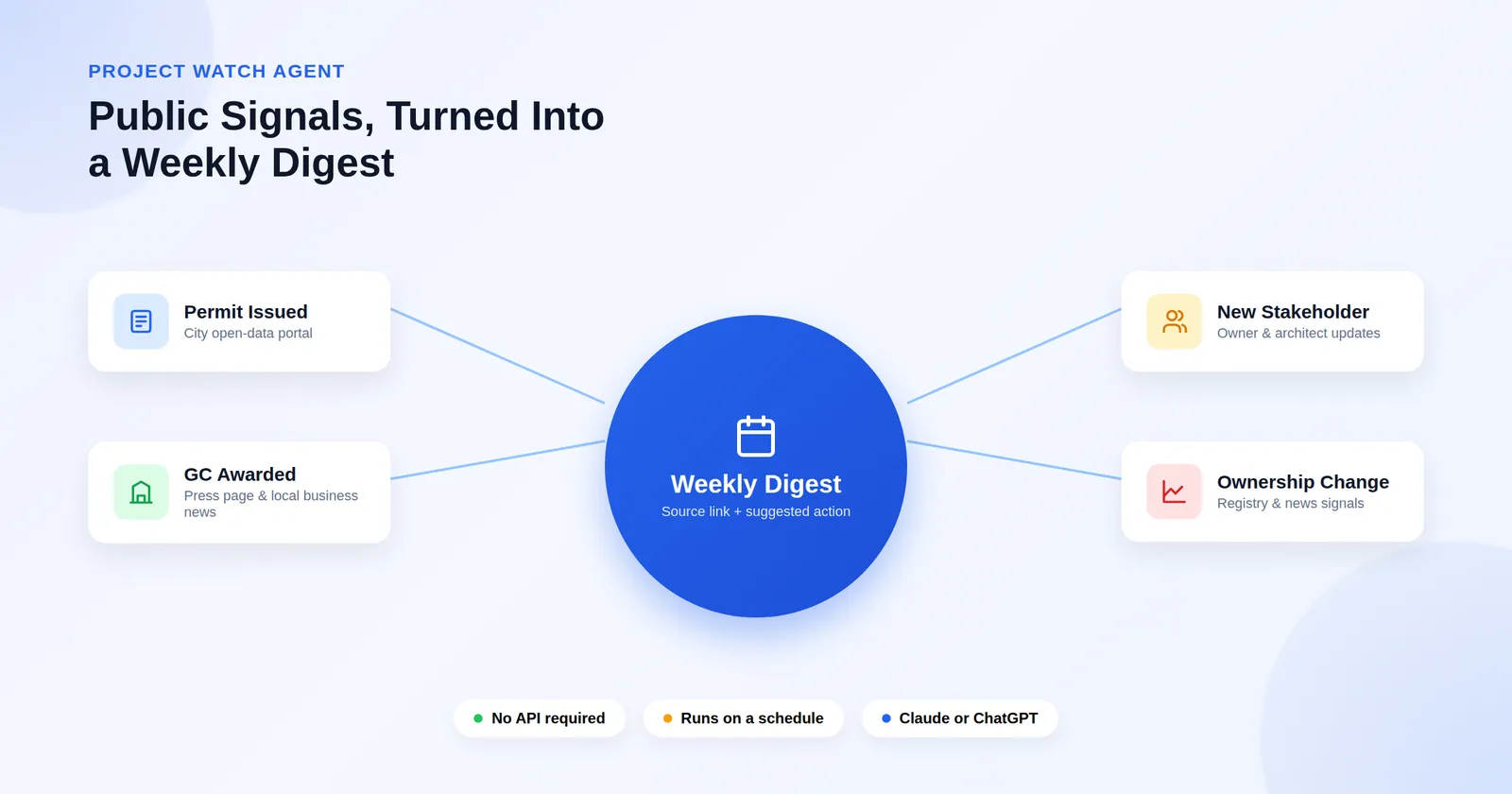
Build this one this week: a Project Watch Agent that checks your active projects once a week for public signals (permits issued, GC awards, ownership changes, groundbreaking announcements) and hands you a short digest with a source link and a suggested action for each one. You need no developer and no integration project. The steps follow.
Step 1: Decide what the output looks like before you build anything
Write the output by hand first, as if you were the agent. This step decides whether the finished agent is useful or noisy.
The target is one table plus two short lists:
| Project | Status | What changed | Source | Suggested action |
|---|---|---|---|---|
| Riverbend Medical Office | CHANGED | Permit issued Aug 11 to Kearns Construction; GC was unknown in our record | [link] | Call Kearns' PM before bid packages go out |
| Northgate Logistics Park | no change | — | — | — |
Then: New stakeholders detected (name, company, role, project, source) and Needs a human (anything the agent couldn't verify).
Two rules build trust: every "CHANGED" row needs a working source link, and "no change" must be stated explicitly for every project checked, otherwise you can't tell "nothing happened" from "it didn't look."
Step 2: Build the watchlist
One row per active project, 25–40 to start. Columns: project name, address, owner, general contractor, architect, current phase, your spec position (basis of design / alternate / at risk / displaced / unknown), and last known status date.
That last column matters. A permit filing means something different on a project where you're basis-of-design than on one where you were already displaced in value engineering.
Step 3: Name your sources
Tell the agent where to look instead of telling it to "search the web." Many US cities publish permits through Socrata open-data portals that refresh daily and need no API key; search [city] open data building permits to find yours. Add the owner's and GC's press pages, local business journals for the metro, and the architect's project pages. Put this source list in the agent's standing instructions, not in each week's prompt.
Not every city portal is current, and some run a year or more behind. Have the agent report each dataset's last-updated date so a stale source never gets mistaken for "quiet week."
Step 4: Paste in the prompt
Drop this into a Claude Project or a ChatGPT Project's instructions:
ROLE
You are a project watch agent for a building products manufacturer. Each run,
check a fixed list of active construction projects for new public information
and report only what changed.

FOR EACH PROJECT, CHECK
1. The city or county permit portal for the project address. Report new or
   updated permits since the last known status date. State the dataset's
   last-updated date.
2. The owner's and GC's news or press pages for announcements naming this
   project.
3. Local business press for the metro.
4. The architect's project pages for this project.

RULES
- Every CHANGED row requires a working source URL and a publication date.
- Report "no change" explicitly for every project checked.
- Do not merge similar-looking addresses yourself; flag them under
  "Needs a human" instead.
- Never draft or send customer-facing communication.

OUTPUT
A table (Project | Status | What changed | Source | Suggested action, CHANGED
rows first), a "New stakeholders detected" list, a "Needs a human" list, and
one closing line: projects checked, changed, sources unreachable.
Step 5: Test on five projects by hand
Run it manually on five projects you already know well, before scheduling anything. Click every source link. A plausible-sounding permit with a dead link destroys trust in the whole agent. Only move to your full watchlist once five projects come back clean.
Step 6: Put it on a schedule
Both platforms run this unattended on a paid plan, with one difference. Claude's scheduled tasks run in Cowork with access to your files, so the agent can read last week's status and report a real diff instead of a fresh snapshot every time. ChatGPT's Scheduled Tasks can't use file uploads inside a task, so the watchlist has to live as pasted text in the prompt, workable at 25 projects, harder to maintain past 100.
Step 7: Refine monthly, not weekly
Once a month, look back at the last four digests. What got reported that wasn't worth reporting? What did a rep catch some other way that the agent should have found? Edit the standing instructions, not the individual runs. The instructions are the asset, and each run is disposable.
What comes after the agent works
Once the agent runs, decide where the findings go. A digest in a chat thread is a fine start, but on its own it doesn't resolve "1200 Market St" and "1200 Market Street, Suite 400" into the same project, doesn't turn a discovered architect into a linked participant, and doesn't let you compare this project's substitution risk against the last twelve that looked like it. The agent isn't the limitation. A finding with no permanent place to land is.
Baucore focuses on that part alongside the agents: it runs the checks and consolidates what they find into one project record the whole team can trust, so a permit finding becomes a dated field update instead of a message that scrolls away, and the team stops getting three different answers to "are we still specified on this project."
Want this running on your live pipeline already?
Baucore's Project Watch Agent does the same monitoring natively, matched to your project records and running continuously, with no weekly prompt to babysit.
Try the Project Watch Agent live →
References
Want to see this in your own pipeline?
Talk to our team about how Baucore maps your projects, specifications, and participants inside Salesforce.